



The Conversions API (CAPI) is a Meta tool that sends events, such as leads and purchases, from your server or CRM directly to Meta, without going through the browser.
How the Conversions API works
The Conversions API, or CAPI for short, is a connection between your server, store or CRM and Meta's servers. Instead of relying only on the pixel in the visitor's browser, your system itself tells Meta that someone submitted a form or made a purchase.
Along with the event, you send data that helps match it to a Facebook or Instagram account: email, phone, IP address, browser information, identifiers from Meta cookies. Email, phone and other contact details are hashed with the SHA-256 algorithm before sending, meaning they are turned into a string of characters from which the original cannot be read directly.
Why CAPI if you already have the pixel
The pixel runs in the browser, so ad blockers and privacy restrictions cut off some events. The Conversions API sends them from a server, so it does not depend on the browser. Meta recommends using both at once: the pixel and CAPI send the same events with the same name and identifier (event_id), and Meta removes the duplicates.
This is not a way around consent. If someone declined marketing consent, do not send their data through CAPI either.
- More recorded conversions, so the system has more data to optimize with.
- Better Event Match Quality in Events Manager.
- The ability to send events that happen outside your website, such as in your CRM or at a physical location.
How to set up the Conversions API
After setup, check in Events Manager whether server and browser events are deduplicated correctly and what score your match quality has. For testing, use the test events tab, where you can see events live.
- Partner integration: a ready-made connection in your store or CRM platform, set up in Events Manager.
- Conversions API Gateway, run in the cloud.
- A server-side Google Tag Manager container that receives events from your website and passes them on to Meta.
- A custom integration built by a developer with Meta's API.
The Conversions API at Gen Z Agency
Tracking in our campaigns is built on Google Tag Manager, GA4, the Meta pixel and the Conversions API. For campaigns that send traffic to a website, we combine the pixel with CAPI so Meta sees as many real leads as possible and learns from them.
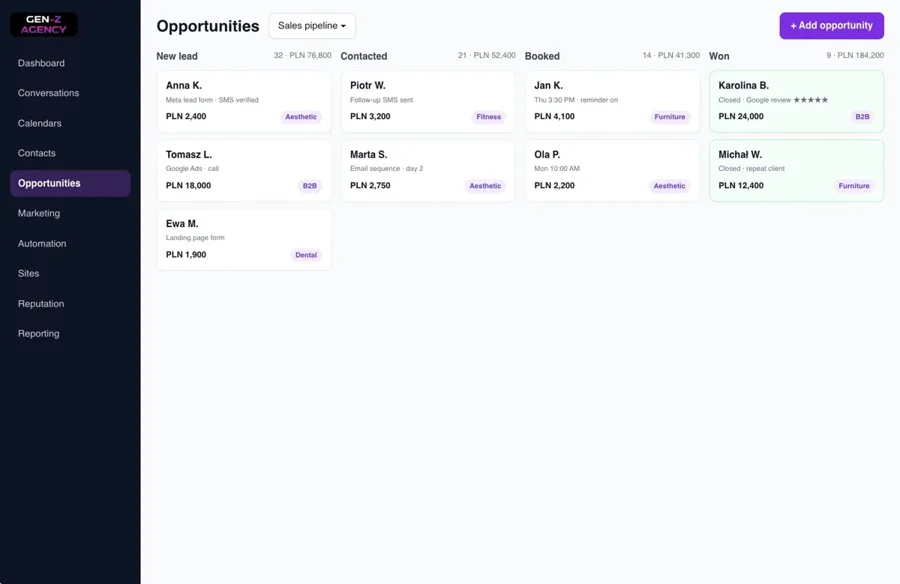
Leads go to Gen Z CRM, where you can see which inquiries turned into conversations and sales. That CRM data can also be sent to Meta through the Conversions API, so the system looks for people similar to those who actually buy. We describe the setup on the GA4 and GTM analytics page. Book a free 30-min call.
Example: 100 people submitted the form on your website. The pixel passed 70 events to Meta, and the Conversions API sent some of the ones the browser blocked. Thanks to deduplication, each inquiry counts once.
Frequently asked questions
01Does the Conversions API replace the pixel?
No. Meta recommends using both tools together. The pixel collects data from the browser, CAPI from the server, and a shared event ID prevents double counting.
02Is CAPI useful with Meta instant forms?
Meta counts leads from instant forms on its own. CAPI is useful for sending Meta information about what happened to the lead next in your CRM, for example that a conversation or a sale took place.
03Is the Conversions API GDPR compliant?
It can be, if you have a legal basis for sharing the data, explain this in your privacy policy and do not send data of people who declined consent. Contact details are hashed before sending.